
Are acne photos safe to send to an online clinic? A UK privacy checklist
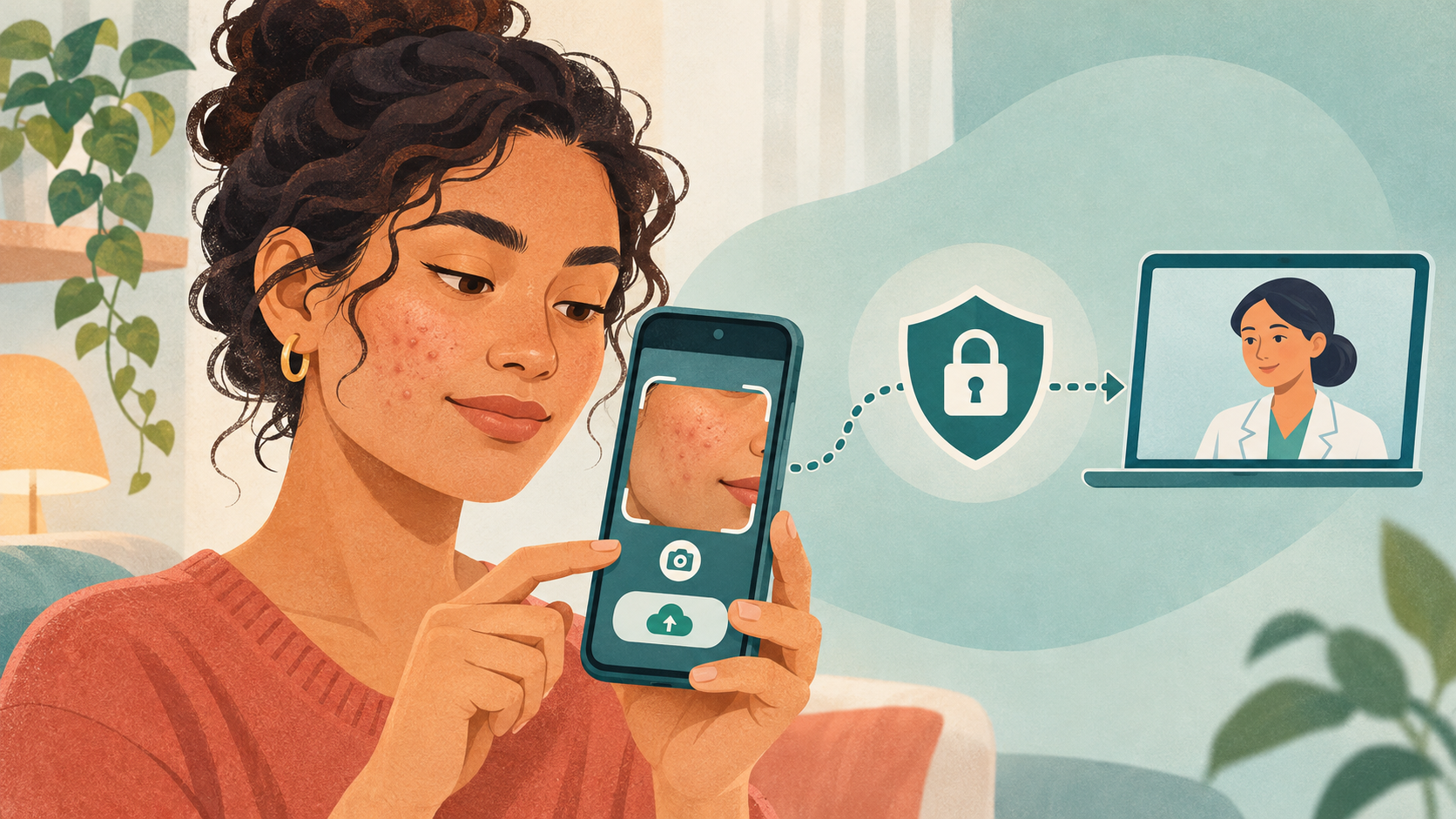
Sending acne photographs to an online clinic can be appropriate when the clinic explains why it needs them and provides a secure way to upload them. The images are health information and may become part of your medical record, so they deserve the same care as any other confidential medical information.
Before sending anything, check who runs the service, how the images will be used and who can see them. Avoid social-media messages or unfamiliar personal email addresses.
Why acne photographs are sensitive health information
An acne photograph can reveal a health condition and identify you through your face or surroundings. UK data-protection rules class health information as “special category” data. Organisations processing it must have a lawful basis, appropriate safeguards and clear information for patients.[1]
Photographs can show the distribution of spots, inflammation, marks and visible scarring. However, they do not show tenderness, how a deep lump feels or how quickly symptoms have changed. Safe assessment combines images with your history and sometimes video or examination.
Seven checks before you upload acne photographs
1. Confirm who provides the service
Look for the clinic’s legal or trading name, contact details and privacy information. If a doctor will assess you, check their registration on the General Medical Council register. The Care Quality Commission advises considering how an online service keeps information safe and who it may share it with.[2]
Be cautious if a website promises a prescription before assessment, hides the provider’s identity or requests images through public social media.
2. Use the clinic’s stated upload route
Use the link or secure form supplied by the clinic. Do not substitute a messaging app, ordinary email address or social-media direct message simply because it is convenient. If the instructions are unclear, contact the service using details shown on its own website before sending the images.
Check the website address, especially if the link arrived unexpectedly. A logo alone does not prove that a page belongs to the clinic.
3. Read the privacy notice and terms
A privacy notice should explain who controls the information, why it is collected, who may receive it, retention and your data rights. Health-data processing requires particular safeguards.[1]
Look separately for any wording about teaching, research, publicity, product development or other uses beyond your individual care. If it is not clear whether those uses are optional, ask before uploading. Do not assume that agreeing to a clinical assessment automatically means agreeing to publication or marketing.
4. Find out who can view the images
Authorised administrative or technical staff may process a submission, and another healthcare professional may be asked for advice. A trustworthy service should explain access rather than simply saying data is “secure”.
GMC guidance says clinical photographs made as part of care form part of the medical record and should be treated like written medical information for security and disclosure decisions.[3] It also says patients should be told why a recording helps their care, what form it will take and that it will be stored securely.
5. Send only what is clinically useful
Follow the clinic’s instructions and avoid near-identical photographs, unrelated documents or images showing other people. For facial acne, an overview and clear views of affected areas are often more useful than extreme close-ups alone.
Take photographs privately and check the background for letters, screens or other unintended details. For lighting, focus and angles, see our guide to taking clear acne photographs.
Do not send intimate images unless a healthcare professional has specifically explained why they are needed, how to submit them safely and you are comfortable proceeding. NHS England advises that remote services should not encourage patients to send intimate-region images.[4]
6. Understand that deletion may not be immediate
Once a clinical image has been used for your assessment, it may form part of your medical record. That means a request to delete it is not always the same as deleting a photograph from your own phone. Clinical, legal and records-management duties can affect how long it must be retained.[3]
Ask how to request access or correction and whom to contact about privacy. If you upload the wrong image, contact the clinic promptly through its official channel. Do not send the mistaken image again.
7. Check what happens if photographs are not enough
The clinician should request better images, arrange video, recommend examination or direct you elsewhere when needed. Photographs support clinical judgement; they do not replace it.
This matters if oral isotretinoin might be considered. Photographs cannot establish suitability or guarantee a prescription. MHRA guidance published on 22 January 2026 says the first isotretinoin appointment should be in person; follow-up may be remote when appropriate. Current safeguards also require assessment and ongoing monitoring of mental-health and sexual-function concerns, with pregnancy-prevention measures for patients who can become pregnant.[5]
What consent should cover
For photographs used in your care, you should understand the purpose and what will happen to the images. GMC guidance requires appropriate consent or another valid authority and secure storage. It also says identifiable recordings should not be used outside the scope of the original consent without further consent or another valid authority.[6]
Consent is not just a tick box. If a clinic wants an identifiable photograph for a website, social media, teaching or another secondary purpose, ask whether that is separate from care and whether refusal affects treatment.
Frequently asked questions
Do I have to include my whole face?
An overview may help show the acne pattern, while close-ups show detail. Follow the clinic’s instructions and ask if you are uncomfortable. Cropping out too much can remove useful context, but the clinic should not request more information than it needs.
Are photographs stored on my phone safe?
Your own device is outside the clinic’s control. Consider its screen lock, backups, shared photo libraries and whether anyone else can access it. Deleting a local copy does not delete the copy already submitted to a medical service.
Can a clinic use my acne photograph as a “before and after” image?
Clinical care and promotional use are different purposes. Check the terms and consent information, and ask directly if anything is unclear. You should not assume that a photograph sent for diagnosis will remain outside all secondary uses without checking the service’s stated arrangements.
Taking the next step
If acne is persistent, painful, leaving marks or scars, or affecting your wellbeing, an assessment can review the diagnosis, treatments already tried and suitable next steps. mySkinDoc’s remote consultation uses a secure form for your history and photographs; the service page states that information and images are handled confidentially. Read the current privacy information and terms before submitting.
An acne consultation does not guarantee a prescription, and isotretinoin is not suitable for everyone. If remote assessment is insufficient, an in-person review may be needed.
References
1. Information Commissioner’s Office. Special category data: rules and safeguards. 2. Care Quality Commission. Choosing an online healthcare service. 3. General Medical Council. Recordings made as part of a patient’s care. 4. NHS England. Remote consulting: clinical images and photographs. 5. Medicines and Healthcare products Regulatory Agency. Isotretinoin: changes to prescribing guidance and additional risk-minimisation measures, 22 January 2026. 6. General Medical Council. Principles of making and using visual and audio recordings.


